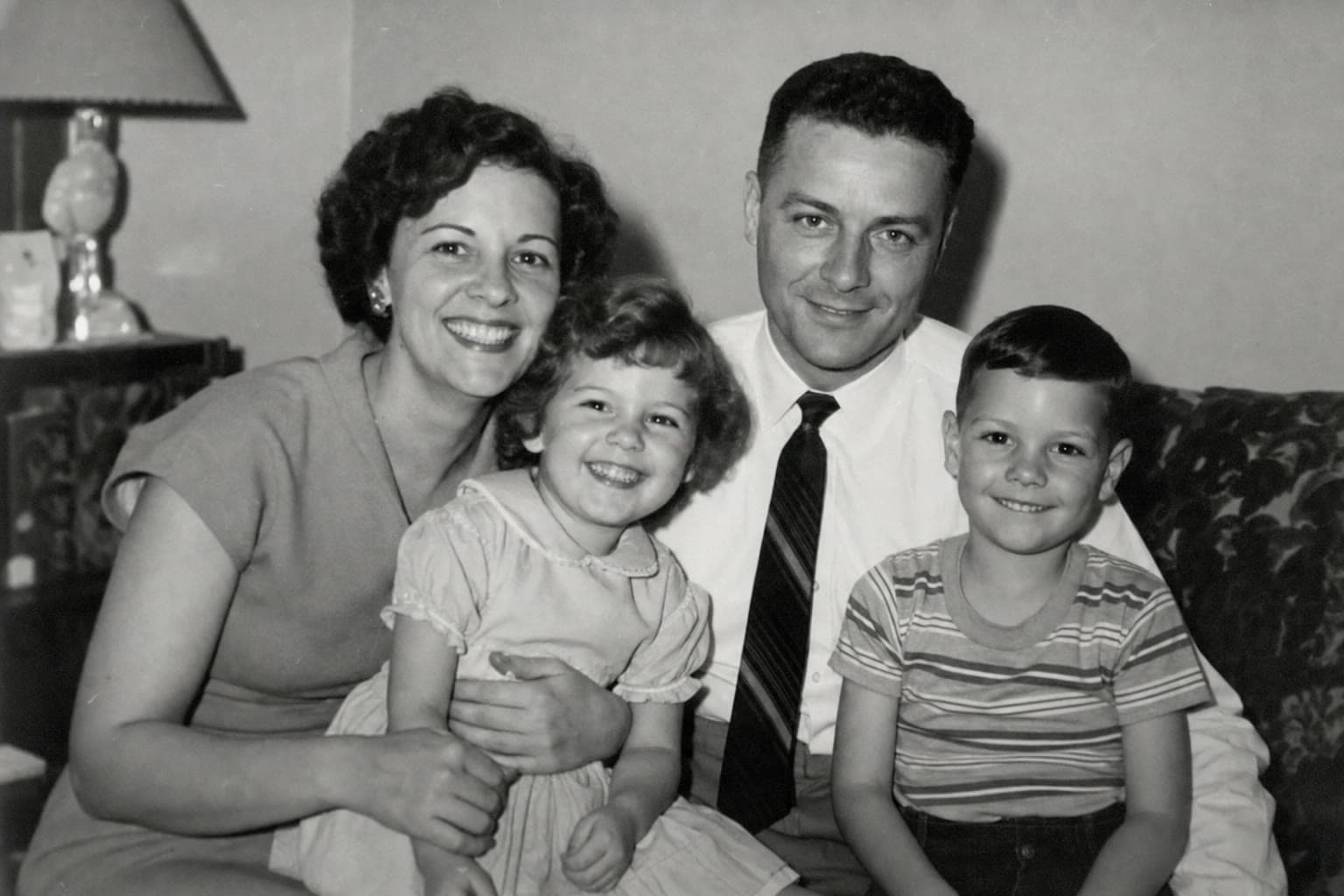
 Before
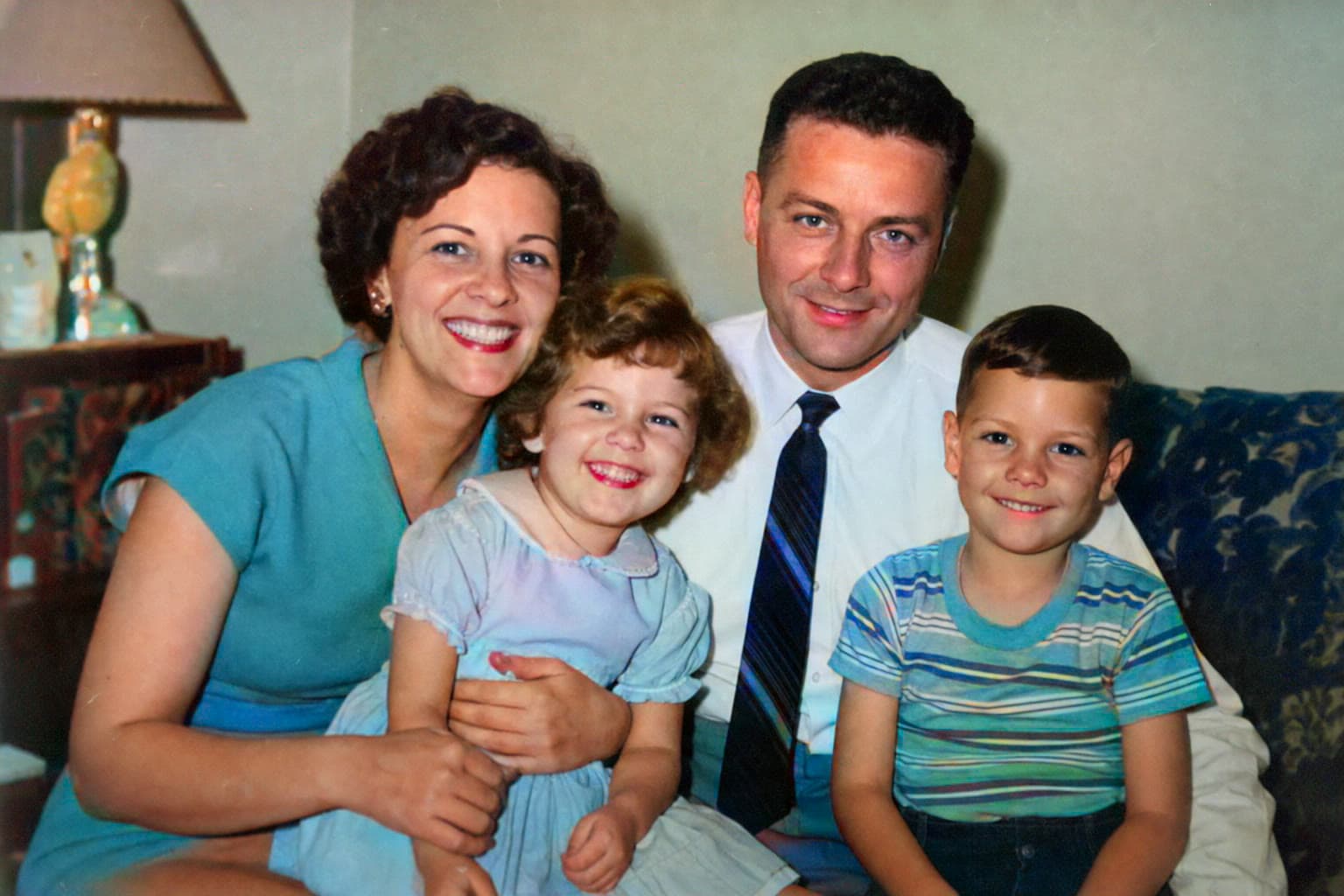 After
AfterA family afternoon, remembered in color
Family portrait · colorization example
Colorize and restore the photographs that connect generations—without complicated editing tools.
BeforeAfterA family portrait
Example AI colorization
Made for the photos that cannot be replaced.
Example transformations
These examples demonstrate the available treatments. AI proposes color and detail based on each image; results vary by source quality.
BeforeAfterFamily portrait · colorization example
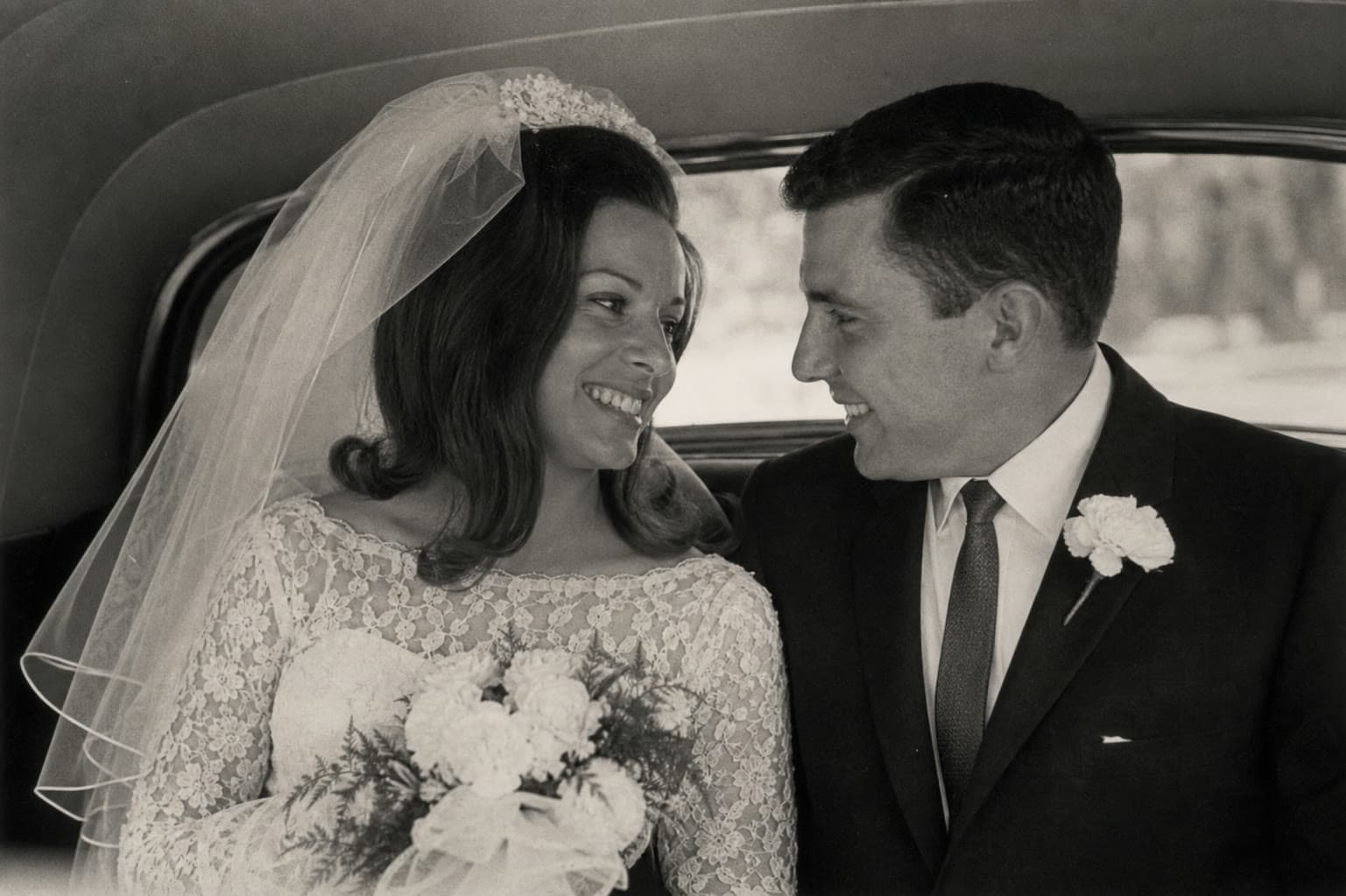 Before
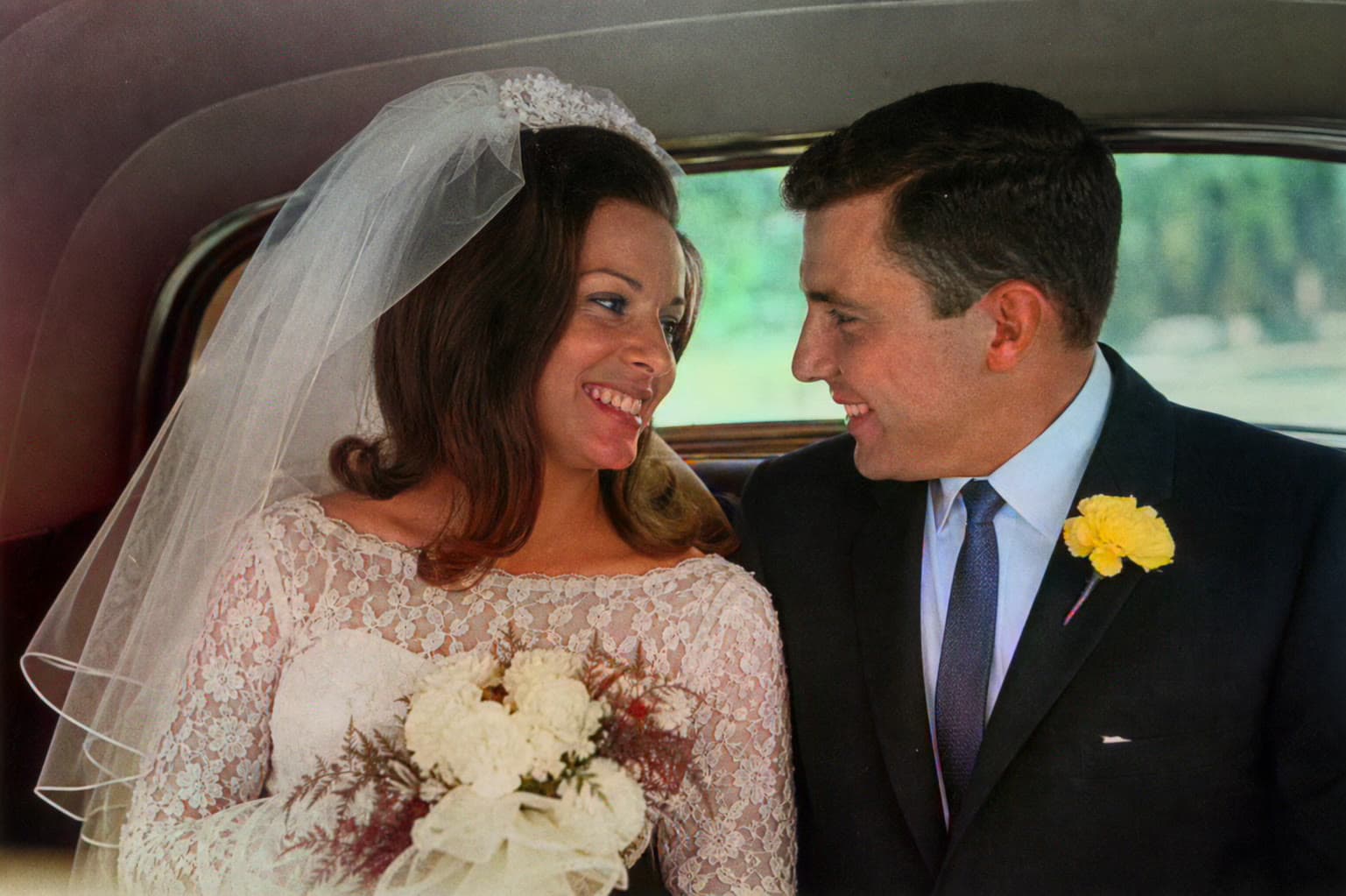 After
AfterWedding portrait · colorization example
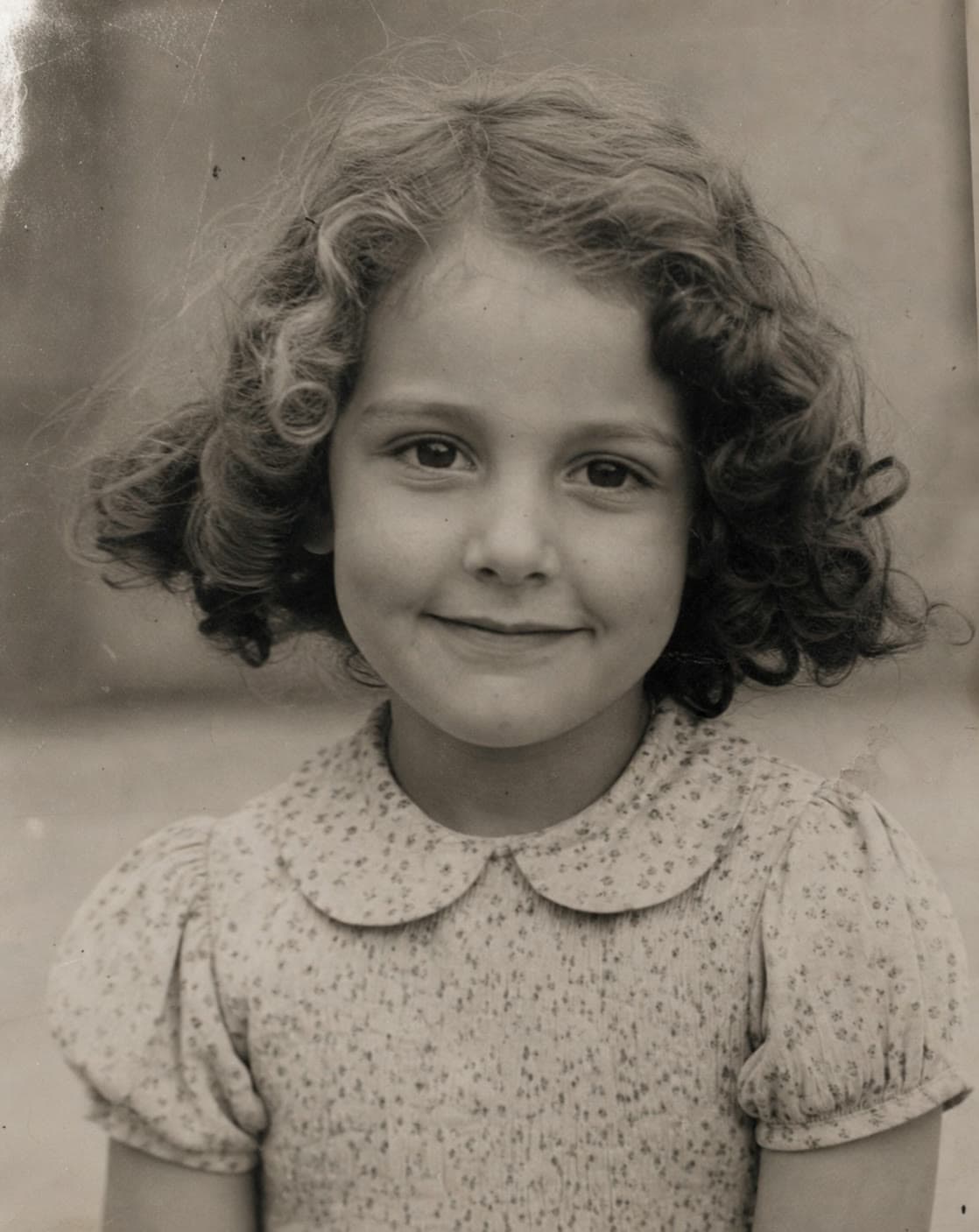 Before
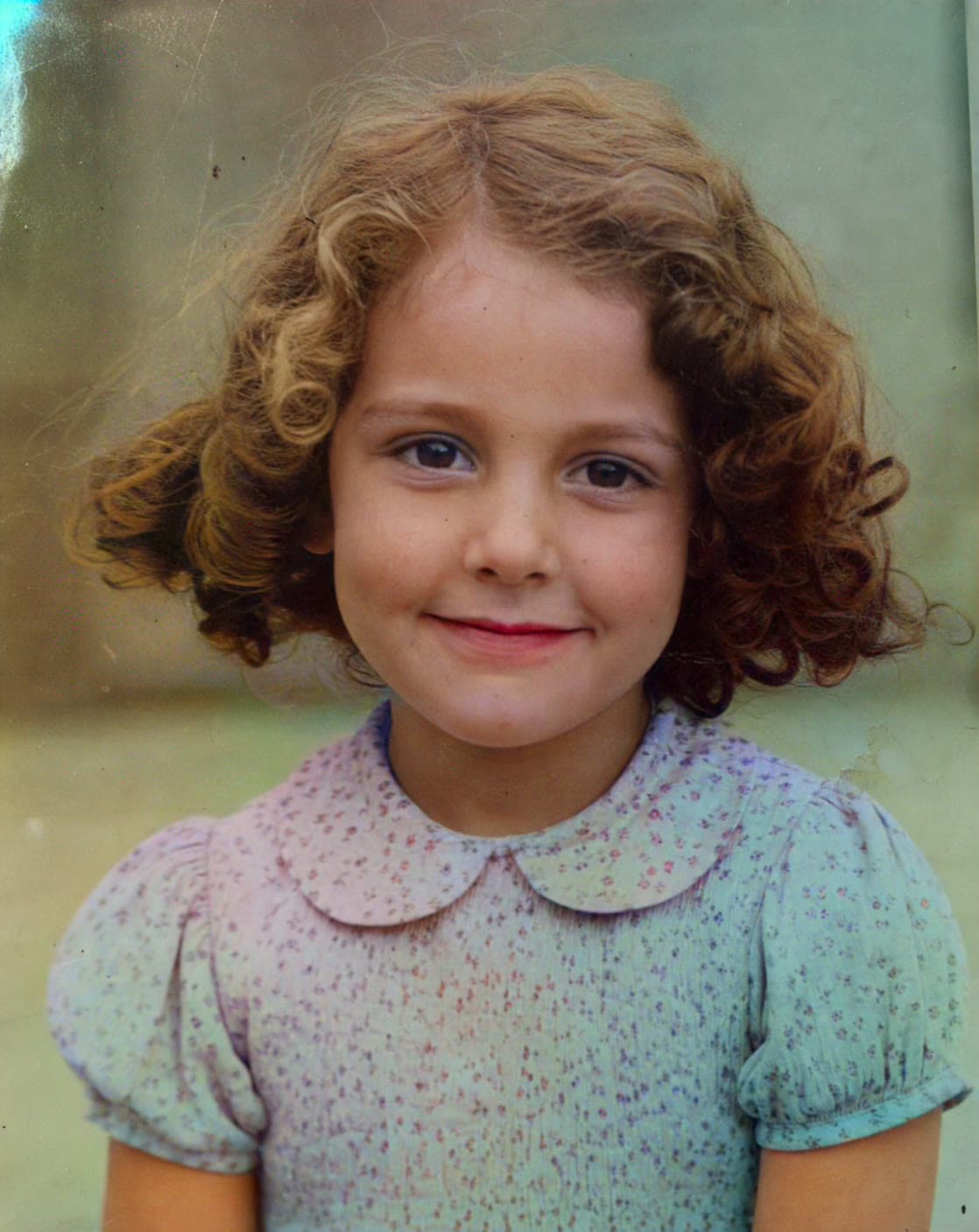 After
AfterChildhood portrait · colorization example
A simple ritual
No editing experience needed. Choose the treatment that fits the photo and let AI handle the technical work.
Start with one photoUpload a black-and-white, faded, or low-resolution family photo from your collection.
Add natural-looking color, or restore clarity and resolution while keeping the original moment intact.
Save the result, send it to family, or place it back into your family archive.
More than a color filter
Start with colorization or restoration today. Each mode keeps the original image visible so you can compare the result.
Add plausible, natural-looking color to black-and-white and faded photographs.
Learn more →Improve clarity and resolution for photos softened by age, scanning, or compression.
Learn more →Prepare small, soft scans for modern screens, sharing, and another careful restoration step.
Learn more →Clear about privacy
You do not need an account, and this site does not build a personal photo library. Images are sent to our AI processing provider only when you ask us to process them.
AI-generated colors are an interpretation, not a historical claim. Keep your original file as the source of truth.
Read our privacy noteQuestions, answered
What the tool can do, what it cannot know, and how your photo is handled.
Colorize adds AI-estimated colors to a black-and-white or faded photo. Restore improves clarity and resolution. For an old, soft black-and-white scan, restoring first and then colorizing often gives the best result.
The colors are an AI interpretation based on visual patterns, not verified historical facts. Clothing, walls, and other details may differ from the original scene, so keep the unedited scan as your source of truth.
No. You can use the current colorize and restore tools without creating an account or entering payment details.
The tool accepts JPG, PNG, and WebP images up to 10MB. A clean, high-resolution scan usually produces a better result than a screenshot or compressed copy.
Your image is sent to our third-party AI processing provider only after you start a transformation. This site does not create a personal photo library or require an account. See the privacy page for more detail.
Restore is designed to improve clarity and upscale an image. It may soften small blemishes, but it cannot reliably reconstruct every tear, scratch, or missing section of a severely damaged photograph.
Begin with one photograph
Upload a family photo and see what a careful restoration can reveal.
Restore a photo free