Faces come first
Restoration uses upscaling plus face enhancement so eyes, hair, and expressions in a family portrait are easier to see.
AI family photo restoration
Improve clarity and resolution in portraits of grandparents, children, and relatives. Compare the restored copy with the original, then keep both files in the family archive.
No signup · No watermark · JPG, PNG and WebP up to 10MB
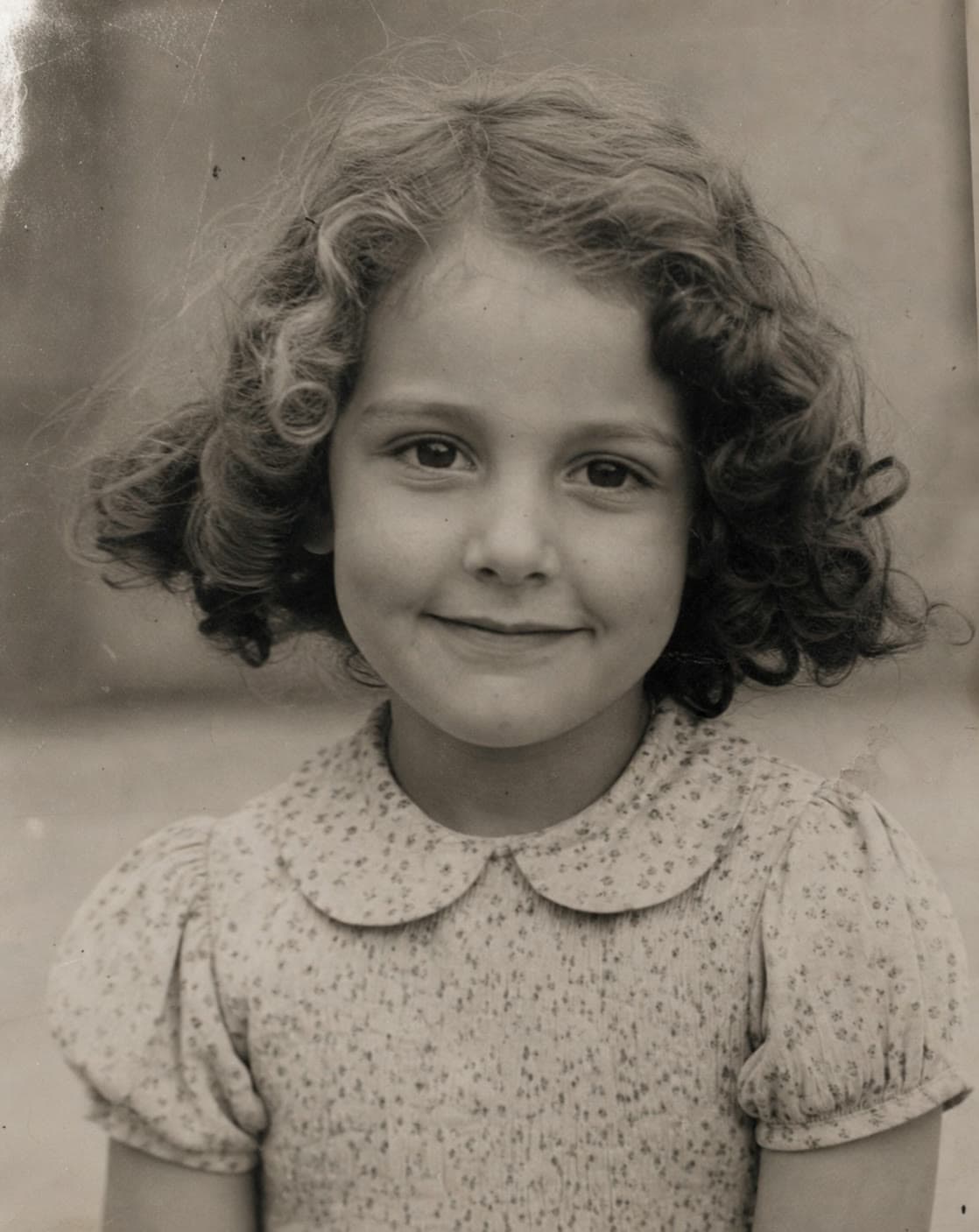 Before
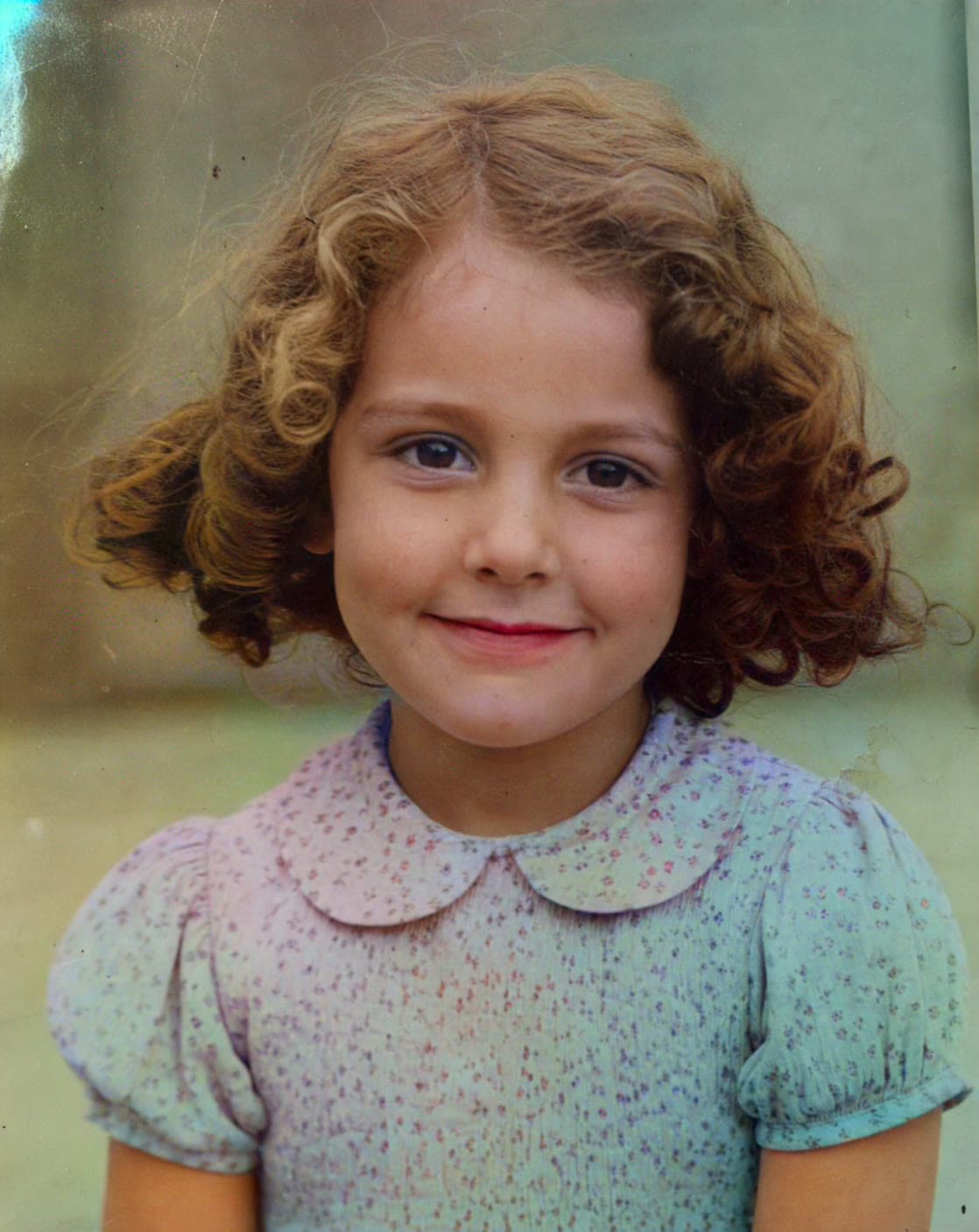 After
AfterRestoration uses upscaling plus face enhancement so eyes, hair, and expressions in a family portrait are easier to see.
The original scan stays untouched. The restored file is a new version for screens, prints, and relatives.
A clearer black-and-white portrait is usually a better starting point if you also want to colorize the photo.
AI restoration studies patterns already in the scan and predicts cleaner, higher-resolution detail. It is most useful when a portrait looks soft from an old scanner, a small print, or years of compression. Faces, clothing texture, and edges often become easier to view on a phone or a modern display.
It is not a conservator. Large tears, missing relatives, painted-over areas, and severe motion blur need a human restorer or should be left as historical damage. Generated facial detail can also look too smooth if you zoom far beyond a normal viewing size.
Name the original clearly, for example 1962-grandparents-porch-original.jpg. Restore a copy, then decide whether the photograph also needs color. Save restore and colorize results as separate files so you can always return to the scan.
When several relatives send different copies of the same picture, start from the largest, least-compressed version. A screenshot from a group chat is usually a weaker source than a scan of the print still in the album.
School portraits, backyard gatherings, wedding groups, and childhood snapshots with recognizable faces are strong candidates. Pictures taken outdoors with balanced light often restore more cleanly than a dark indoor snapshot with one blown flash.
If the photo is black and white and also soft, restore first, then colorize—or use the combined treatment on the processing page. Review eyes, lettering, and hands before you send the result to the family thread.
Common questions
It may soften small blemishes, but it cannot faithfully rebuild a missing person or a large torn area. Those photographs need careful manual work.
No. You upload a copy and download a separate result. Keep the original scan as the historical source.
Yes for a soft black-and-white scan. Clearer faces generally produce a more coherent color interpretation.
The current restore tool does not require an account, payment, or a watermark on the download. Fair-use limits may apply as the service grows.