Portraits, not filters
The colorizer looks at faces, clothing, flowers, and interiors rather than overlaying a generic vintage tint.
Vintage wedding colorizer
Add a plausible color interpretation to ceremony portraits, reception snapshots, and family group pictures from a wedding album—then compare the result with the original before you share it.
No signup · No watermark · JPG, PNG and WebP up to 10MB
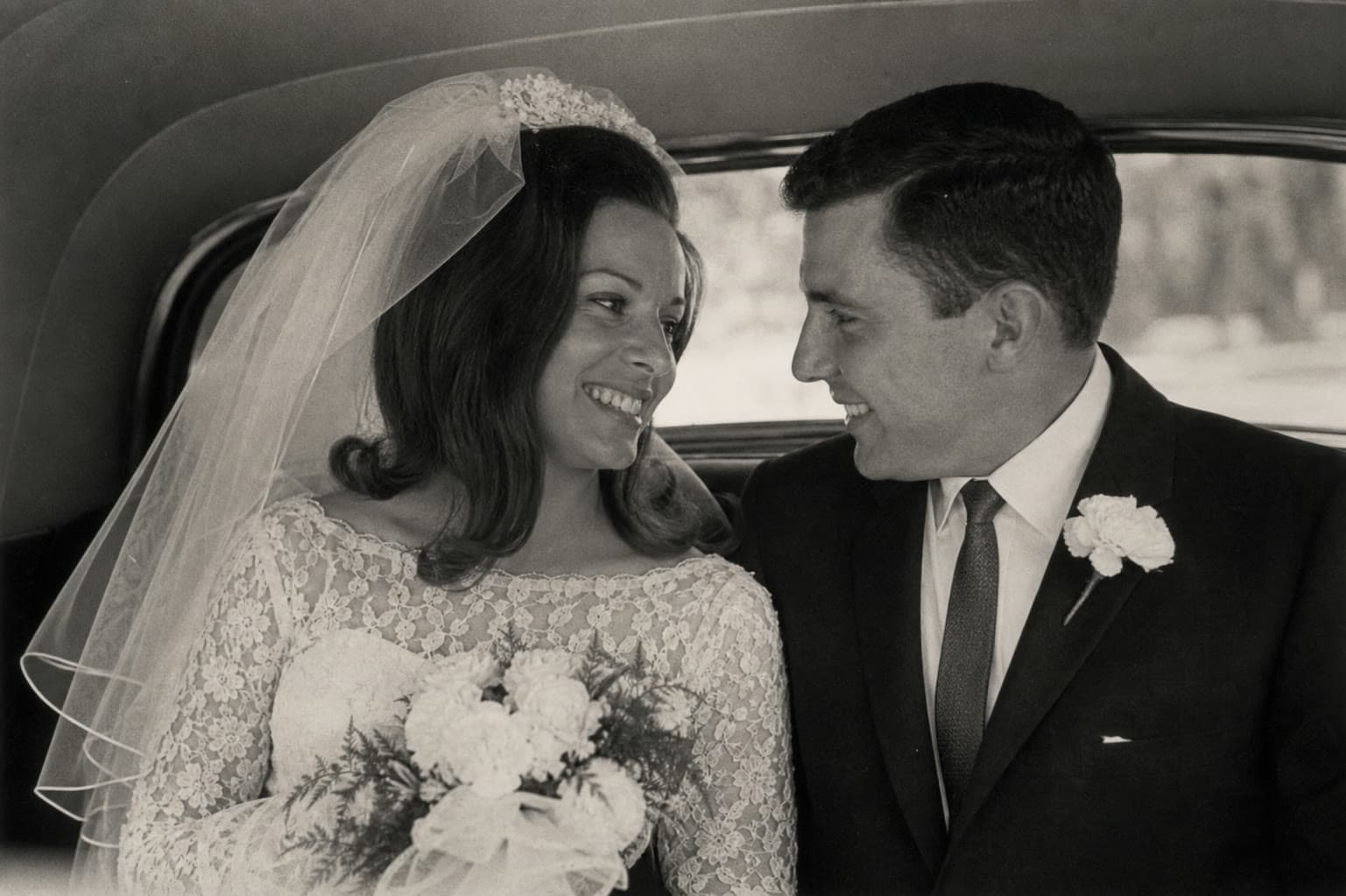 Before
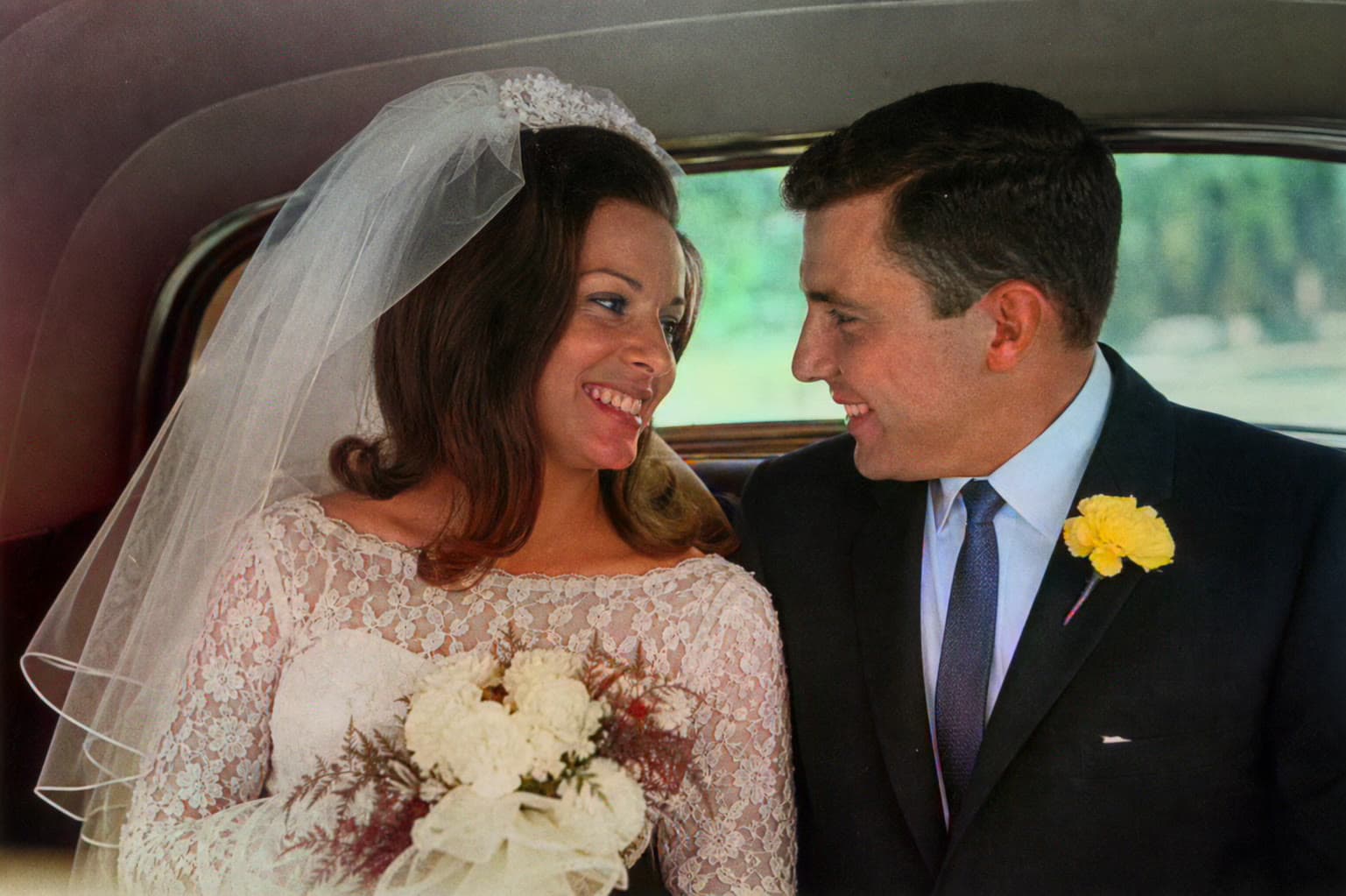 After
AfterThe colorizer looks at faces, clothing, flowers, and interiors rather than overlaying a generic vintage tint.
Download a sharing copy while the original black-and-white or faded print remains the family record.
Dresses, bouquets, uniforms, and venue materials deserve a close look because their real colors often carry family meaning.
A wedding picture is often the only image of a particular dress, bouquet, or gathering of relatives. Color can make the day feel closer, but it can also invent a palette that nobody in the family remembers. Use the side-by-side comparison and ask relatives before you treat the result as the official version.
Studio portraits, outdoor ceremonies, and reception snapshots behave differently. Well-lit faces and distinct clothing usually colorize more convincingly than a dark church interior or a print with heavy texture from the album page.
Scan the print at 300 DPI or higher, or photograph it in even daylight with the camera parallel to the print. Crop the album window, tissue overlay, and decorative border so the model is looking at the couple and guests, not the scrapbook.
If the portrait is small or soft, restore it first. Eyes, lace, boutonnières, and lettering on a cake or sign are easier to judge after a clarity pass. Then colorize the restored copy and keep every stage.
Caption the file with names, place, year, and a note that the color is AI-assisted. That small label prevents a grandchild from assuming the image was originally shot in color.
If someone remembers the dress, flowers, or a military uniform, treat those details as more authoritative than the generated palette. You can still keep the AI version as a starting point for a later manual edit.
Common questions
No. It can propose a plausible white, ivory, or other tone from visual context, but only family knowledge or another color reference can confirm the original.
They can, especially when faces are distinct and the lighting is even. Crowded, dark, or heavily retouched prints are less reliable.
Yes, if the image is soft, small, or scratched. Restoration will not rebuild a missing face, but it often gives the colorizer a cleaner source.
No. The current tool lets you download the generated wedding photo without a ColorizeOldPhoto watermark.